Solutions
Built for every
home-service business
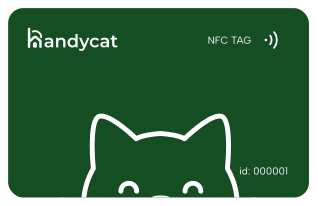
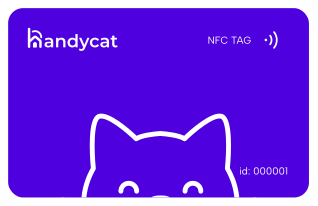
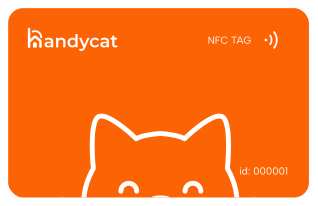
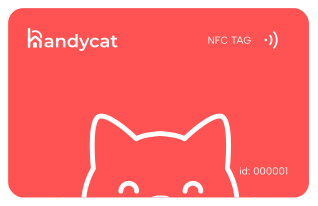
Your Pack
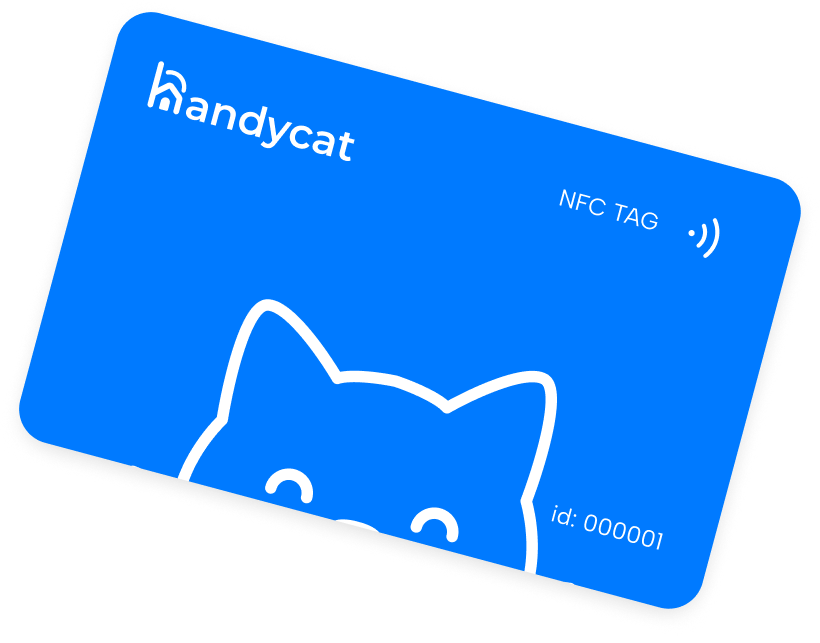
Customize your tag for your needs
FAQs
Do I need to install an app to use Handytap?
No. Just tap the NFC sticker with your phone — everything opens in the browser.
When you tap a Handytap NFC tag, your phone opens the profile of the exact person or company responsible for that location or service.
You immediately see what they do, their pricing, reviews, availability, and response time — without logging in or creating an account.If you want to book them, you simply choose a time, describe the problem, and send a request.
The handyman receives it instantly in their dashboard and replies with confirmation or clarifying questions.Once the job is done, you can pay online, leave a review, and keep the contact saved — so next time you just tap again and rebook in seconds.No apps. No searching. No call centers. Just a real person on the other side of the tap.
Do I need to install an app to use Handytap?
No. Just tap the NFC sticker with your phone — everything opens in the browser.
When you tap a Handytap NFC tag, your phone opens the profile of the exact person or company responsible for that location or service.
You immediately see what they do, their pricing, reviews, availability, and response time — without logging in or creating an account.If you want to book them, you simply choose a time, describe the problem, and send a request.
The handyman receives it instantly in their dashboard and replies with confirmation or clarifying questions.Once the job is done, you can pay online, leave a review, and keep the contact saved — so next time you just tap again and rebook in seconds.No apps. No searching. No call centers. Just a real person on the other side of the tap.
Do I need to install an app to use Handytap?
No. Just tap the NFC sticker with your phone — everything opens in the browser.
When you tap a Handytap NFC tag, your phone opens the profile of the exact person or company responsible for that location or service.
You immediately see what they do, their pricing, reviews, availability, and response time — without logging in or creating an account.If you want to book them, you simply choose a time, describe the problem, and send a request.
The handyman receives it instantly in their dashboard and replies with confirmation or clarifying questions.Once the job is done, you can pay online, leave a review, and keep the contact saved — so next time you just tap again and rebook in seconds.No apps. No searching. No call centers. Just a real person on the other side of the tap.